Far lighter
About 150 MB after launch, down from about 1.25 GB.
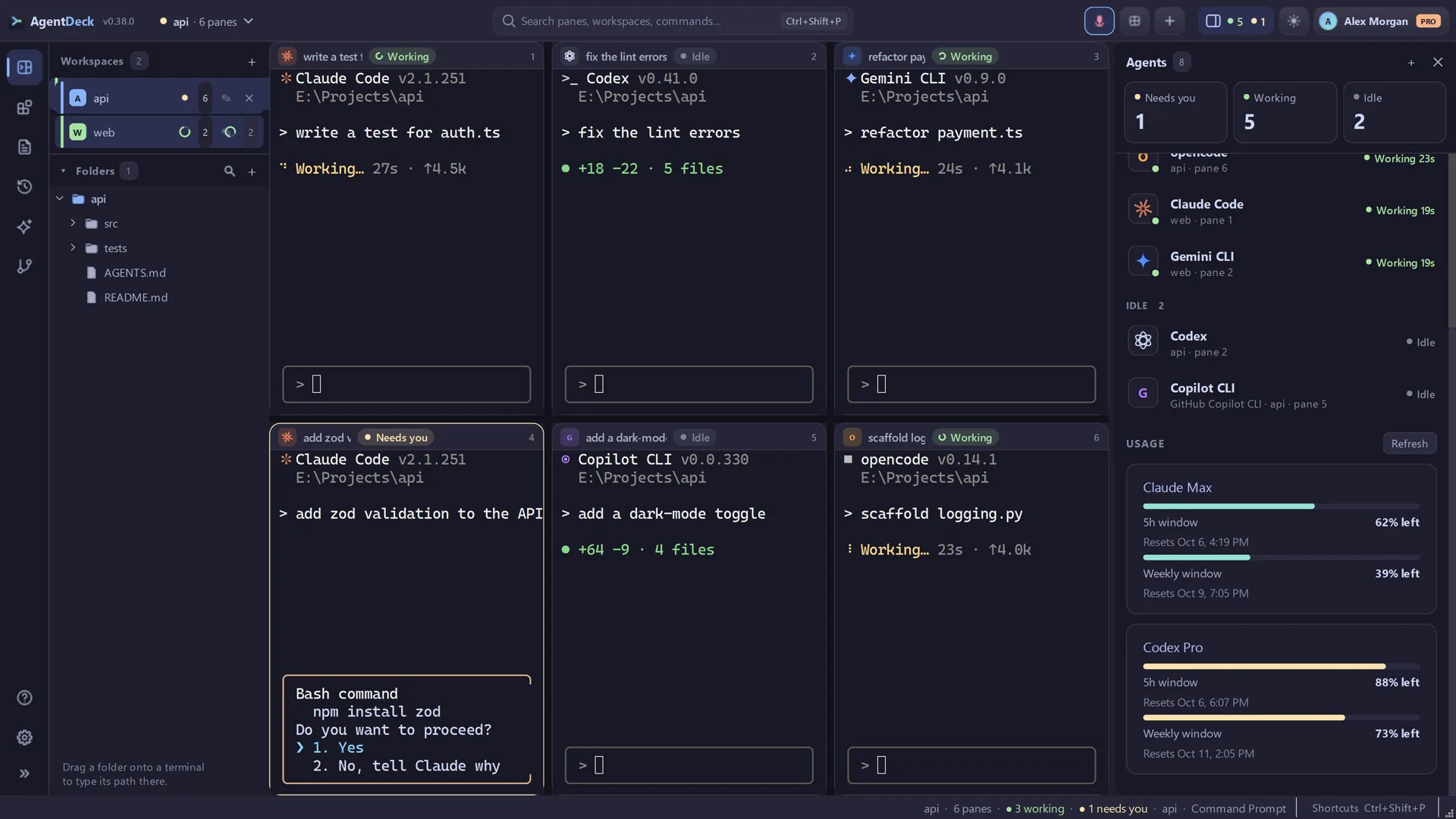
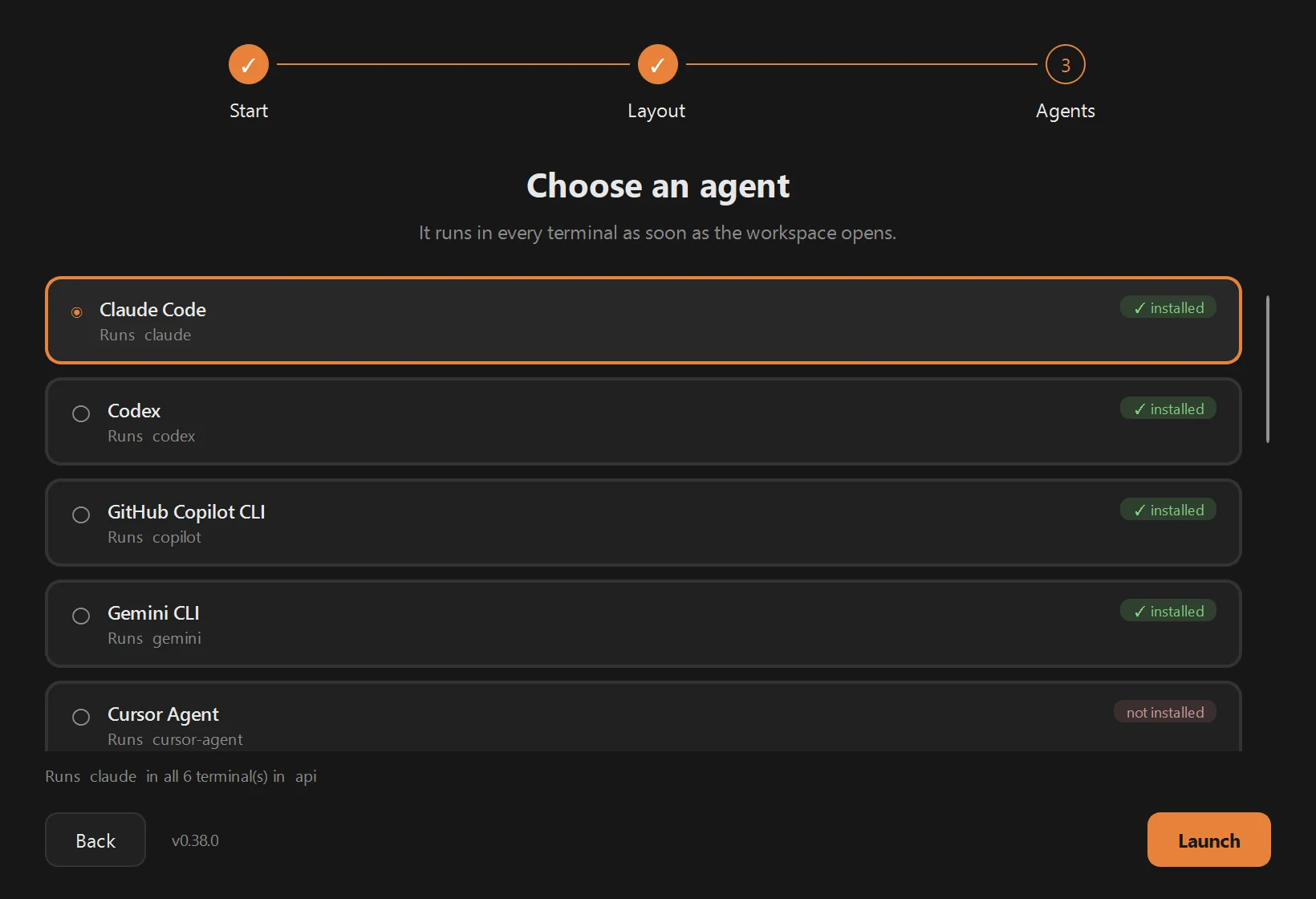
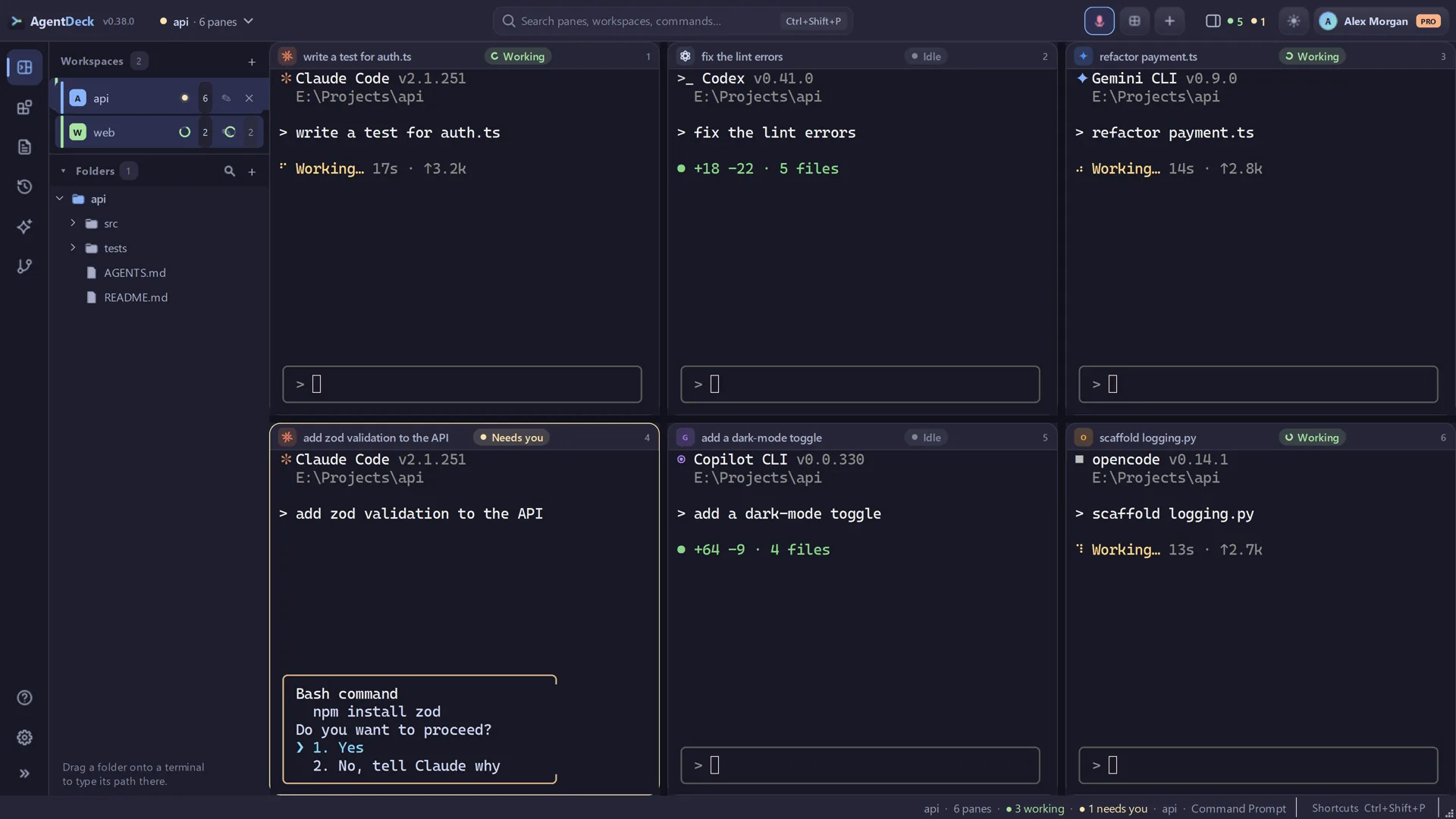
Run Claude, Codex, Copilot, Gemini and the rest as a team of real terminal panes — then see which agent is working, idle or waiting for you.
Windows 10 / 11 · 64-bit · Free tier, no card
Not code-signed yet — if SmartScreen says “Windows protected your PC”, click More info → Run anyway. Why this happens
About 150 MB after launch, down from about 1.25 GB.
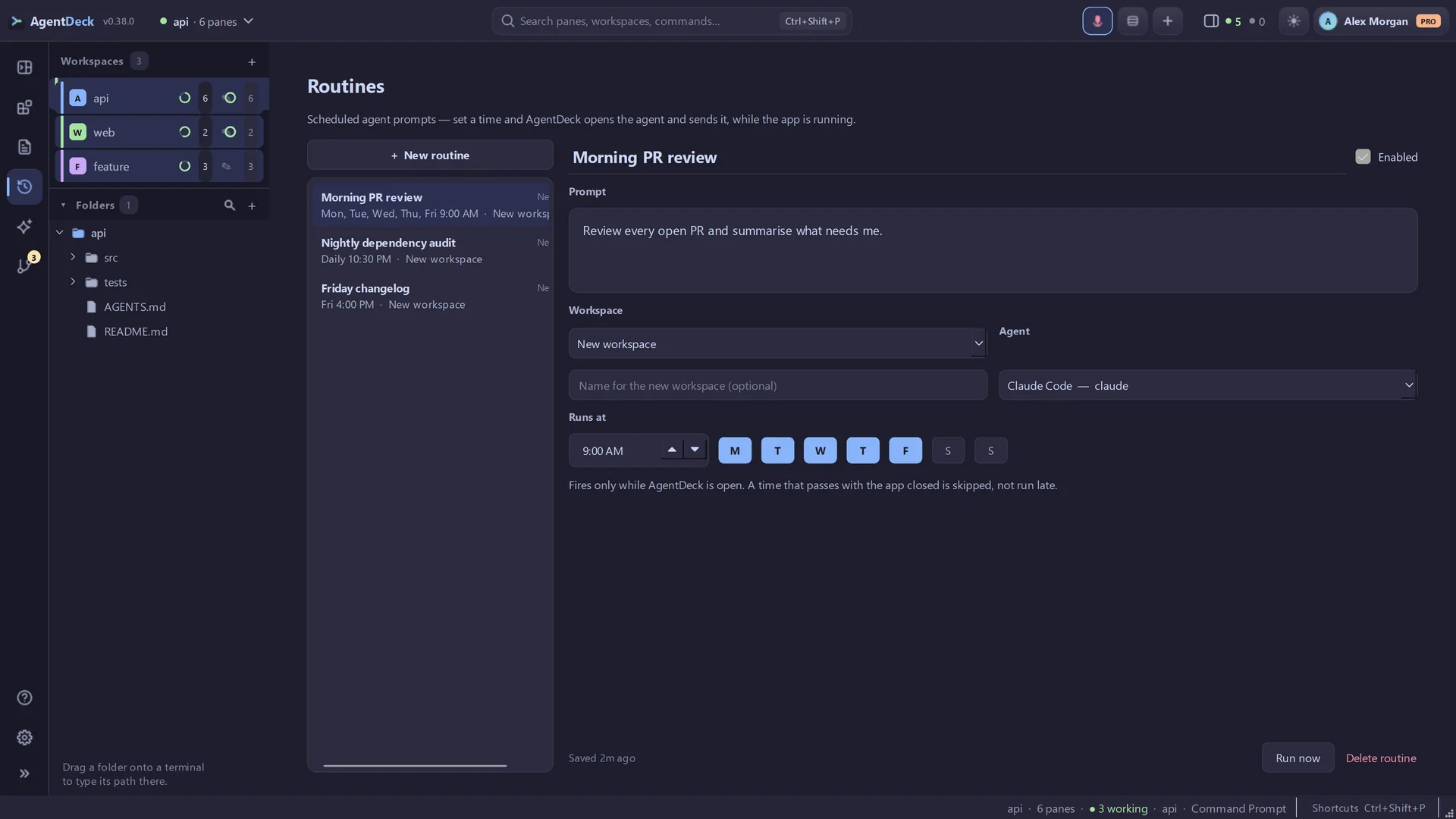
Every run tracked, retried in a click, and caught up after downtime.
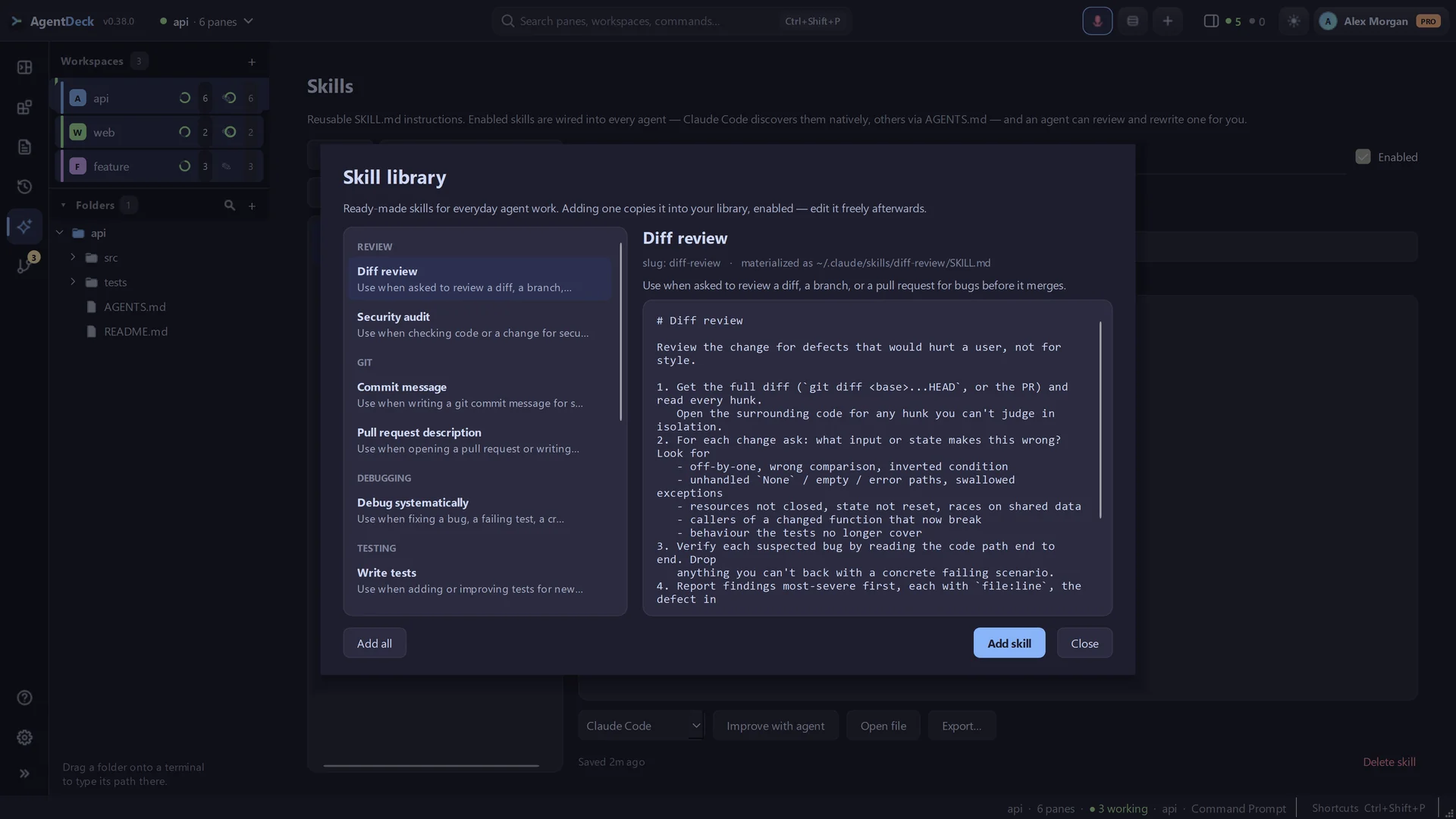
28 ready-made skills, now with secrets, auth and CI audits.
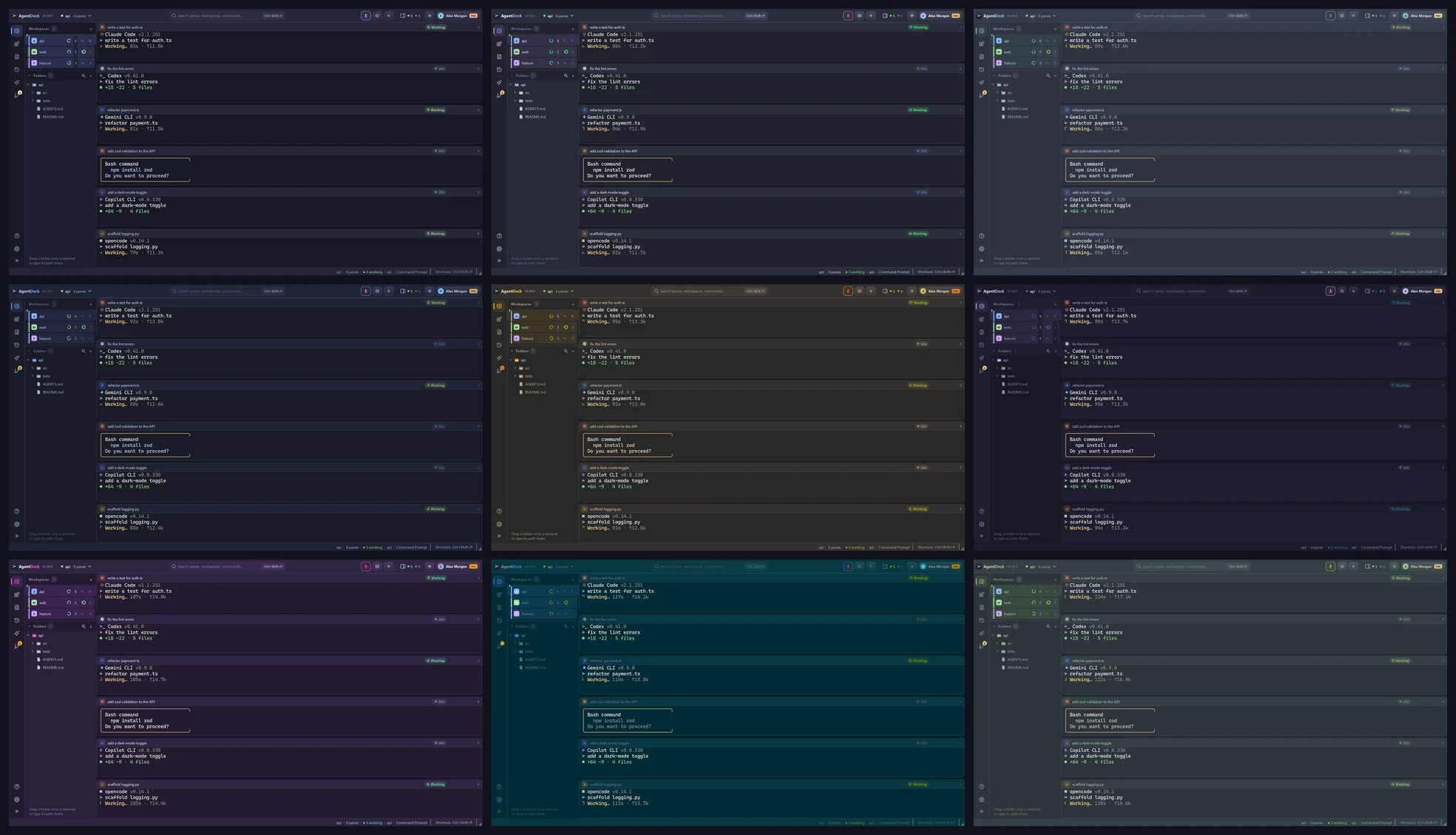
New: Night Owl, Poimandres, Horizon, Moonlight, Cobalt2, Cyberpunk, Matrix.
Every shell is a real terminal. Every pane knows which agent is inside it. AgentDeck keeps the team visible, the work isolated and the next decision one click away.
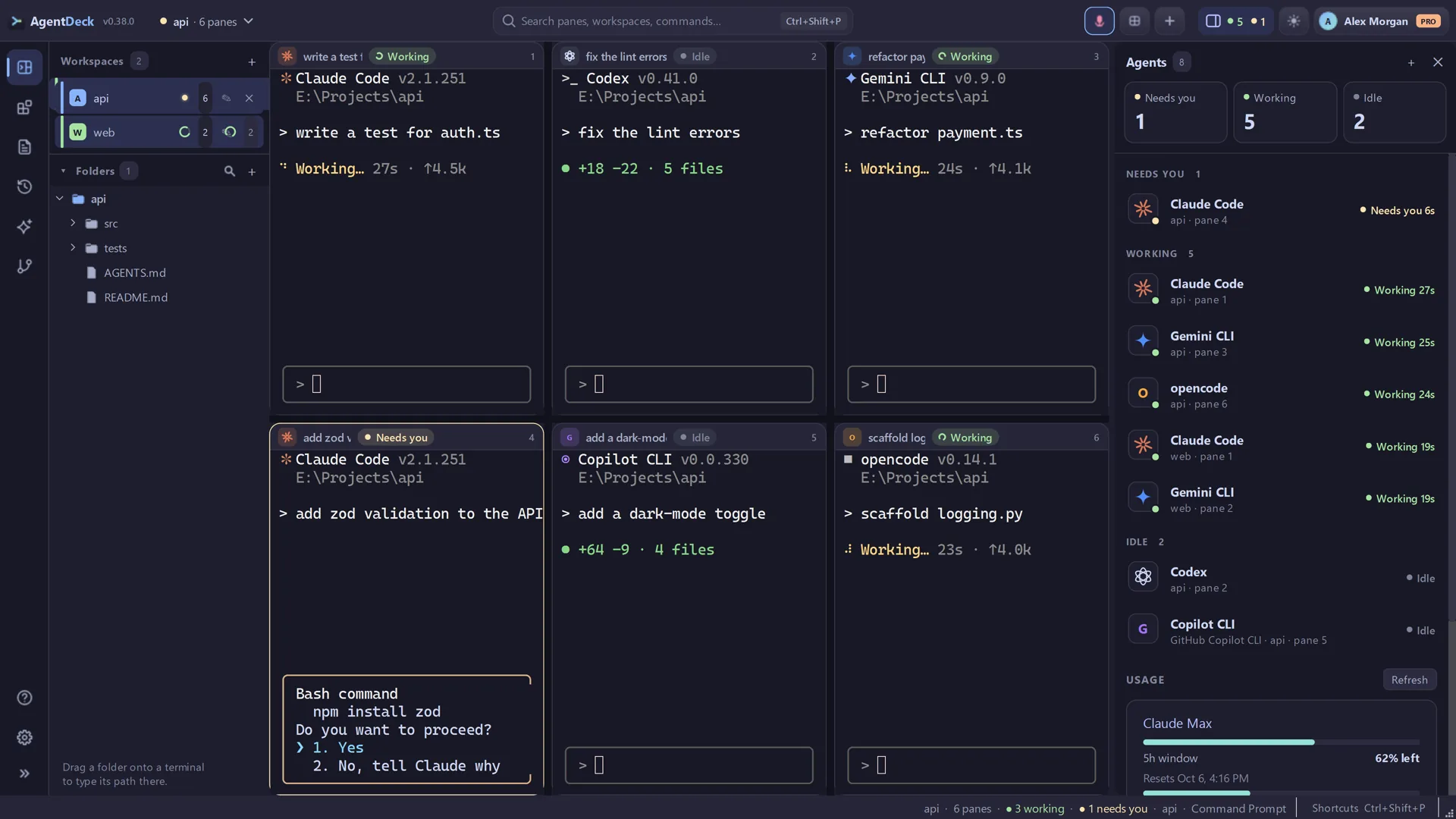
The Agents dashboard collects every pane across every workspace into Needs you, Working and Idle — then jumps straight to the one asking for input.
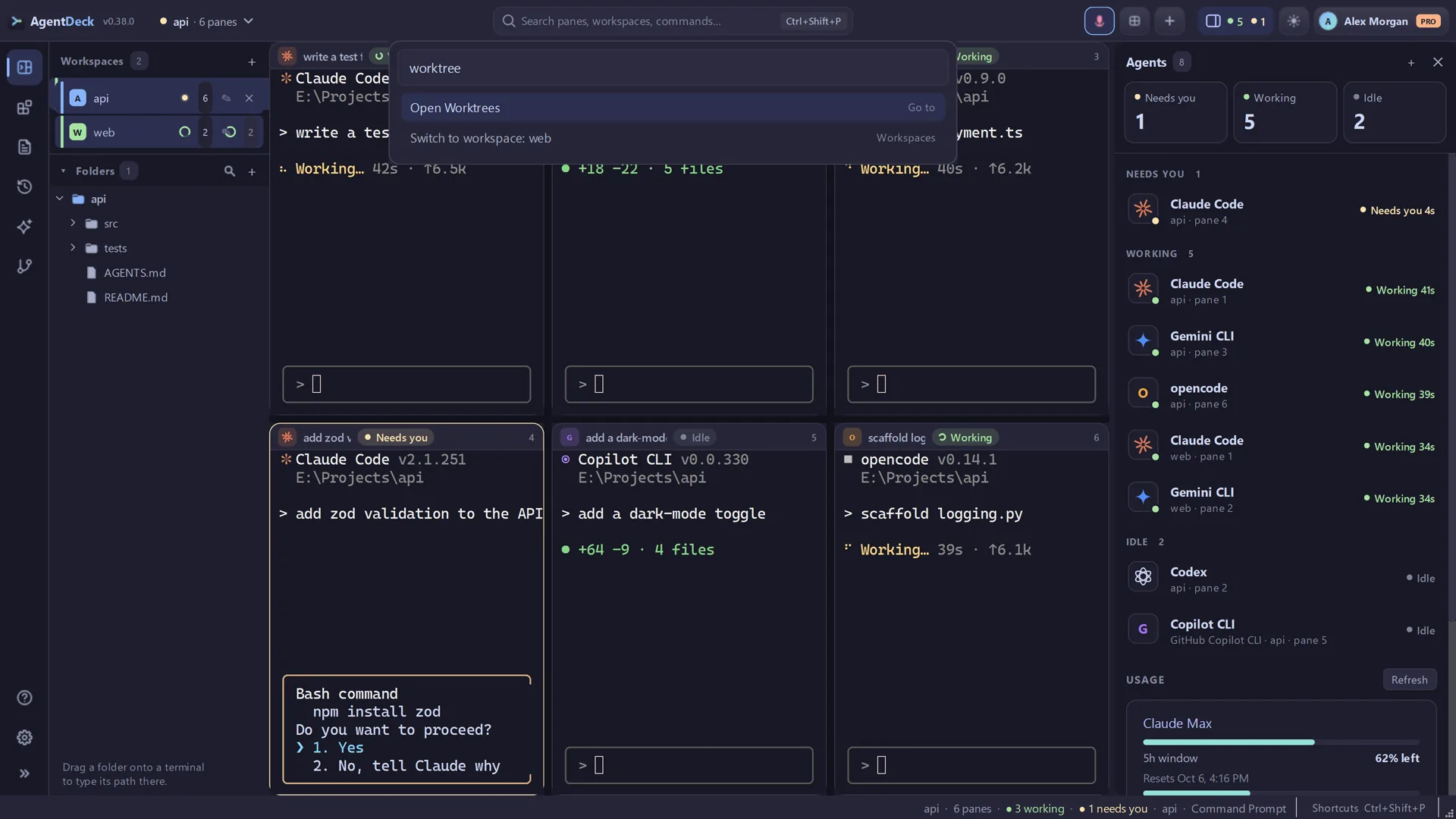
Press Ctrl+Shift+P to find any command, open pane, workspace, agent, layout, shell, colour scheme or page without digging through menus.
Subscription usage lives beside the agents it affects, so you can see what is left in the current Claude and Codex windows before assigning the next task.
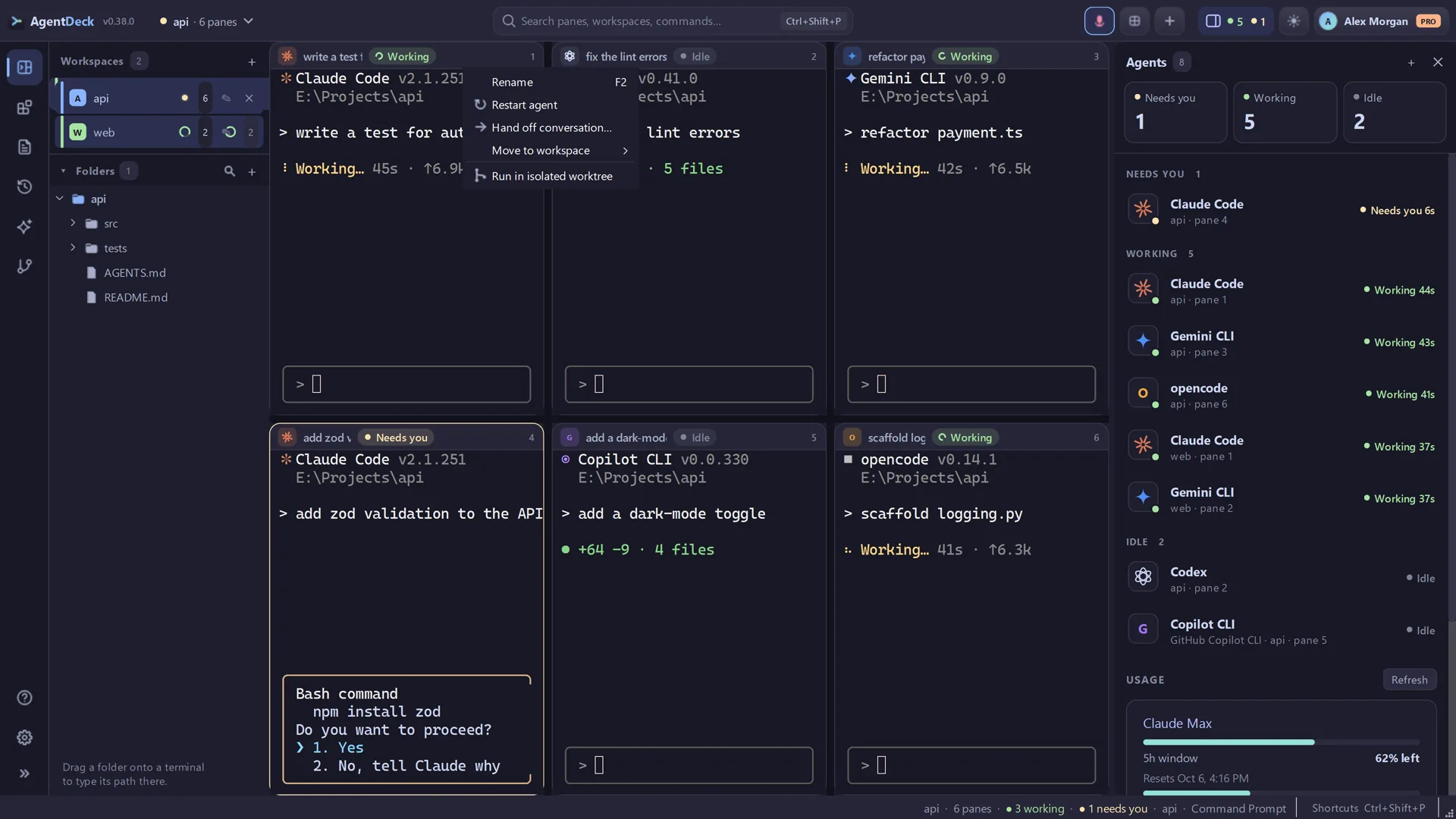
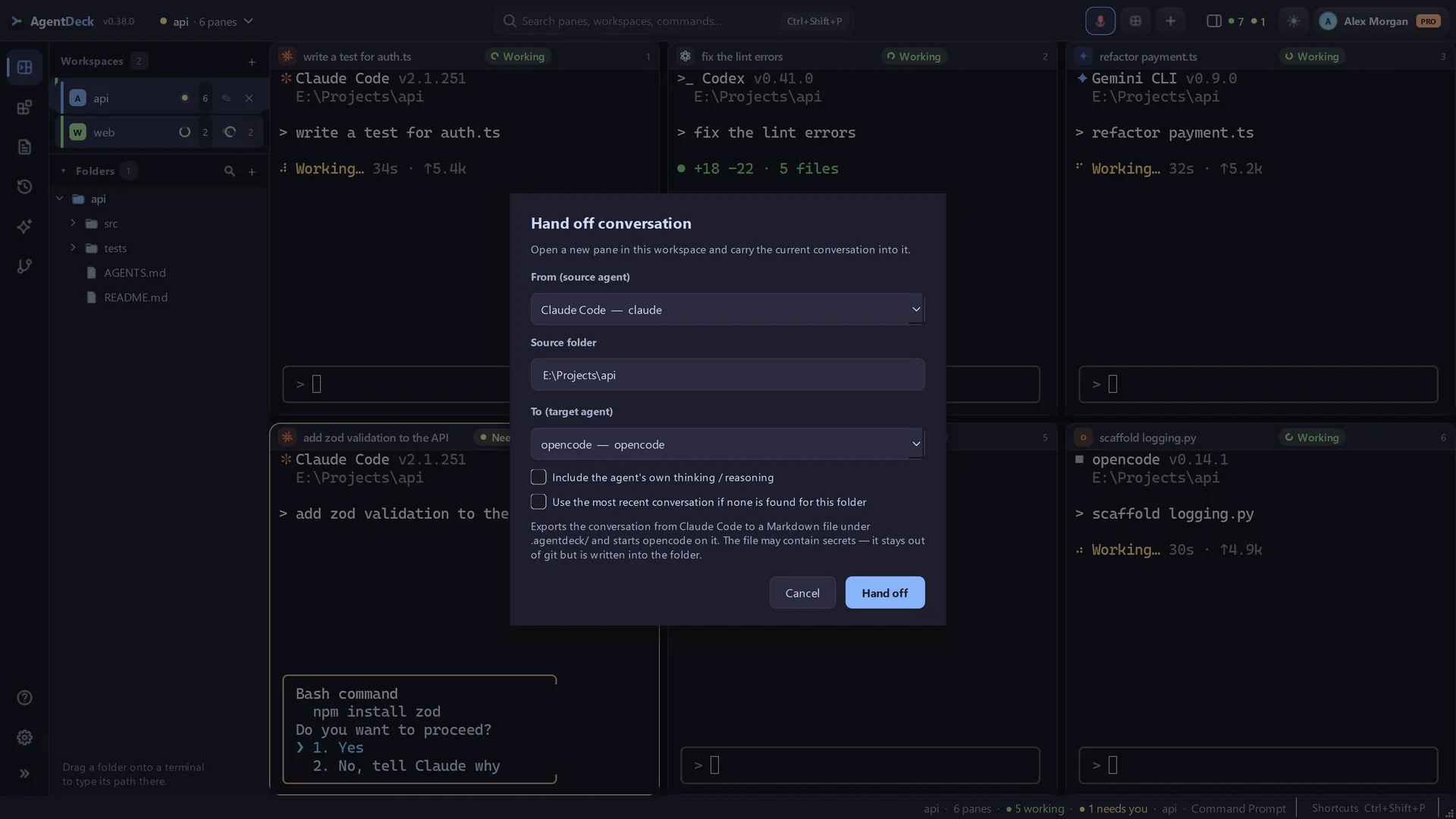
Rename a pane, restart its agent, hand off its conversation, move it to another workspace or isolate it in a fresh worktree from one focused menu.
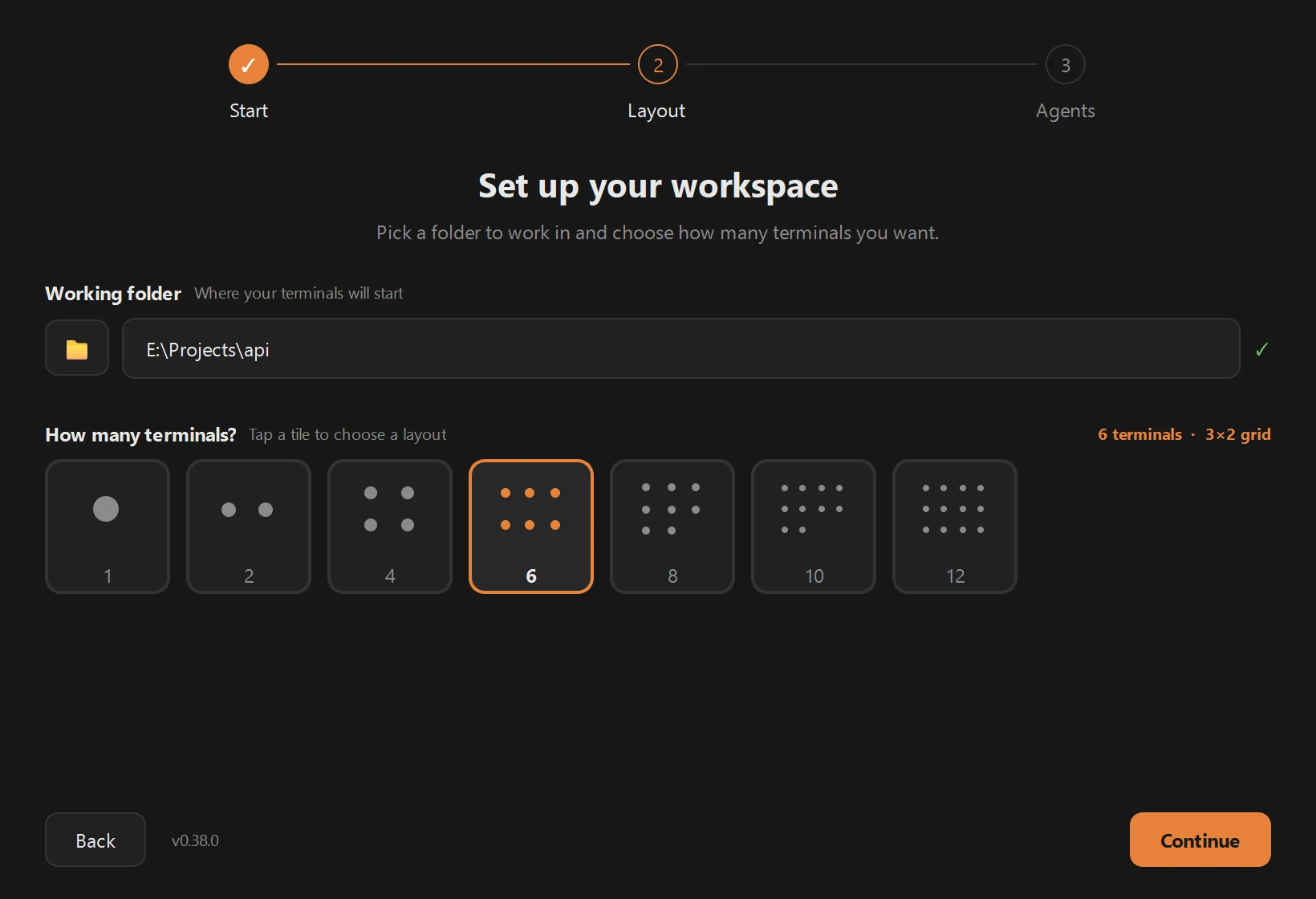
Every shell is a true terminal pane. Split panes, drag dividers, move work between workspaces — and the exact arrangement comes back after a restart.
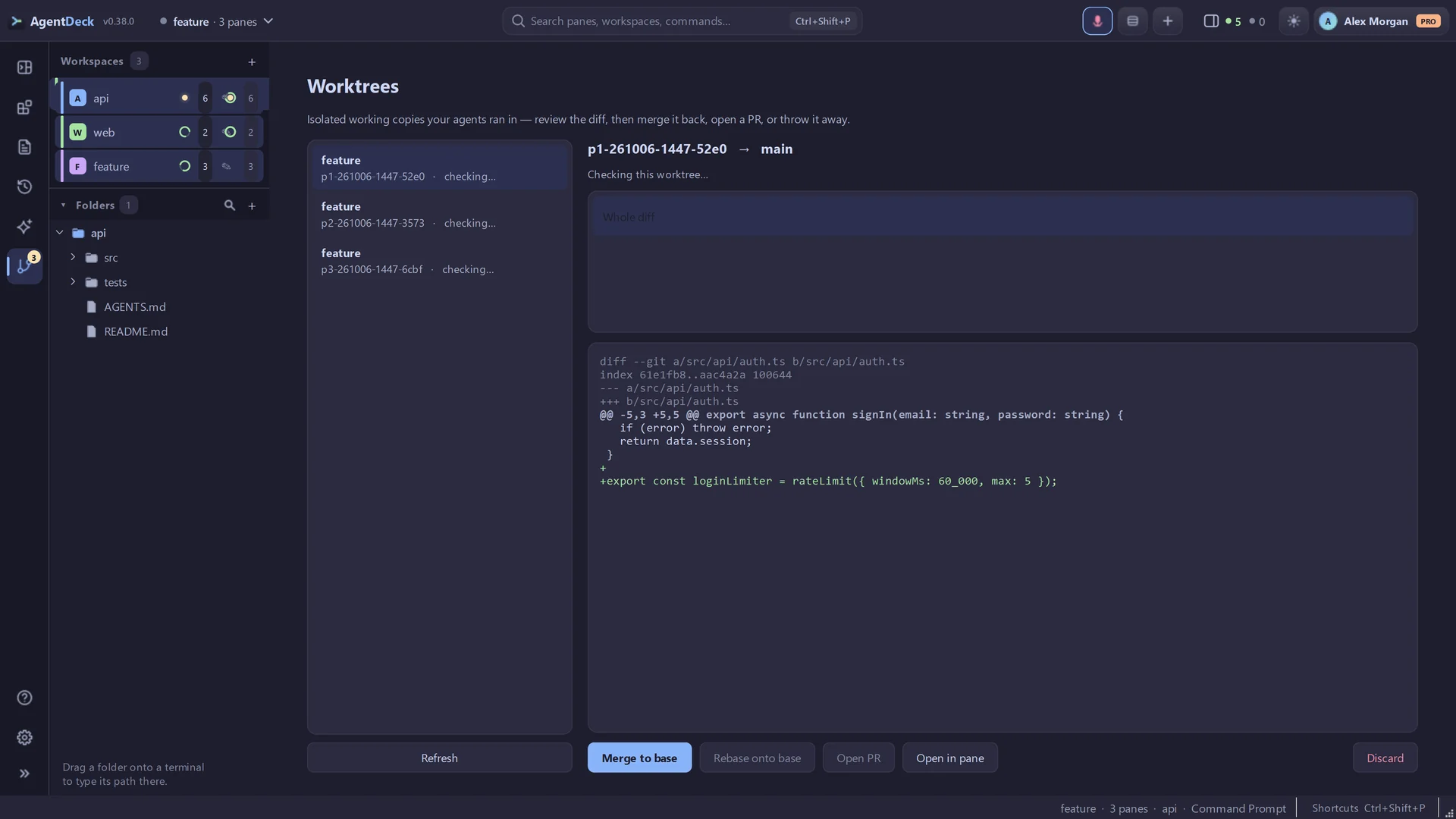
Give every pane its own worktree so parallel agents never collide. Review each diff, then merge, open a PR or discard — all from the Worktrees page.
The ⤳ button on any pane carries the running conversation into a fresh one — resume the same agent with its full history, or hand the whole transcript to a different agent or model.
Schedule an agent prompt — “every weekday at 9, review my open PRs” — and AgentDeck opens the agent and sends it at that time. Run history shows how every run went, and runs missed while the app was closed can catch up.
Reusable SKILL.md instructions wired into every agent. Start from 28 ready-made skills — including a Security set for secrets, auth, threat models and CI — or let an agent improve your own.
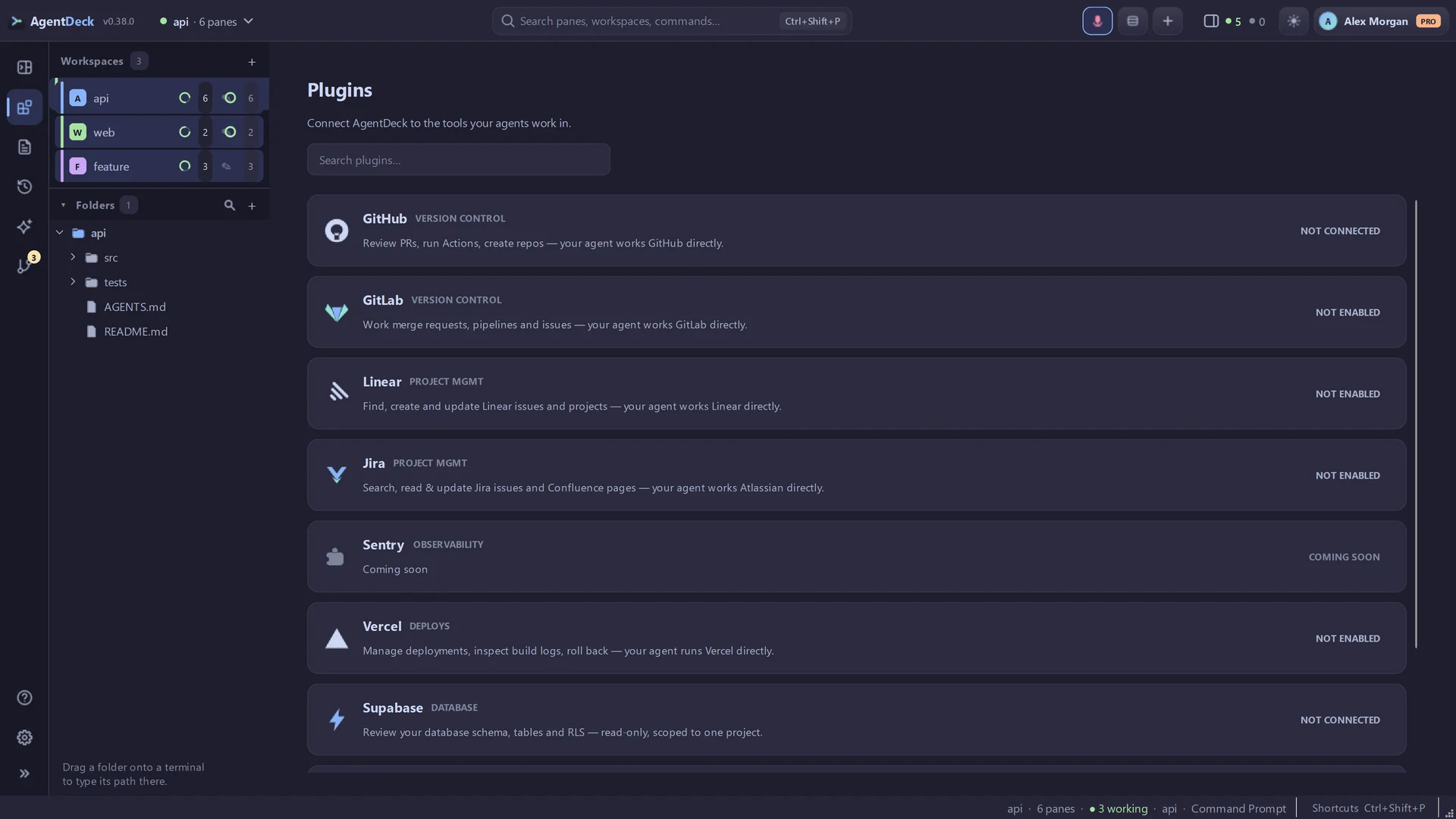
Connect GitHub, GitLab, Vercel, Jira, Linear, Supabase, Google Drive or LinkedIn once and the agent in every pane gets real tools for it. Tokens stay on your machine.
Press Ctrl+Shift+X and talk. A floating voice strip transcribes speech on-device with whisper.cpp and types it at the active prompt.
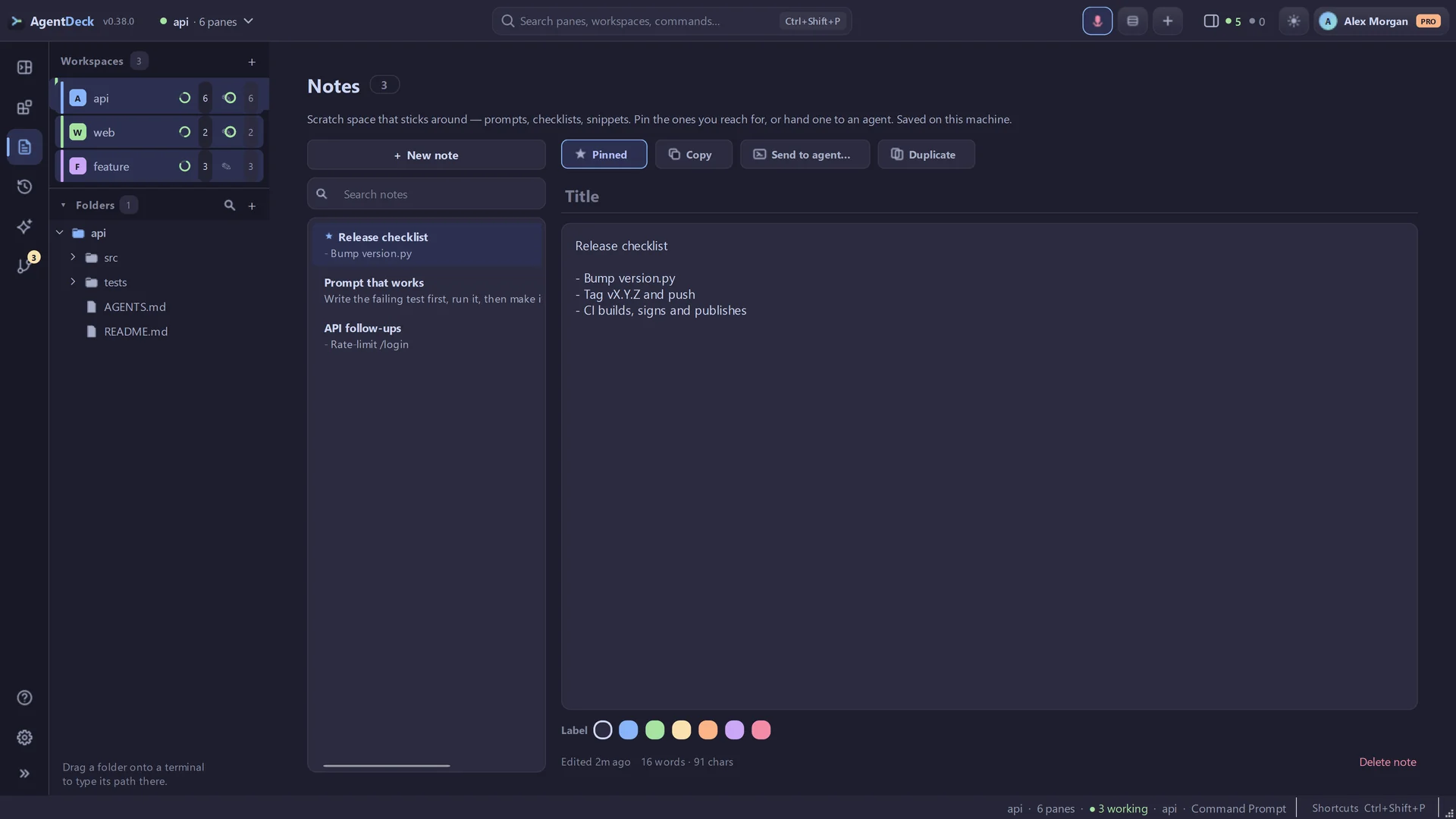
Pin and search project folders in the sidebar, drag one onto any pane to type its path, preview files with a double-click, and cut, copy and paste like in Explorer.
Open localhost or any URL in a built-in browser that shares the Agents panel’s space. Dev servers your panes start show up as one-click buttons, and Ctrl+click on a terminal link opens it there.
Real screens from the current app. Follow the trail from the agent that needs you to the command or pane action that moves the work forward.
A plugin links AgentDeck to a service you already use and gives the coding agent in each pane real tools for it — no pasted tokens, no copied commands. Eight are live today.
Open the Plugins tab in AgentDeck and connect the service. GitHub uses a one-time device code; Vercel, Jira, GitLab, Linear and Supabase hand off to the agent’s own secure sign-in; Google Drive and LinkedIn use an OAuth app from your own developer account.
Read and review are on by default. Every write action is opt-in and asks before it runs.
Open a workspace, restart the agent once (↻), and the tools are already wired in — no pasted tokens, no copied commands.
Review pull requests, read diffs and checks, triage issues and dispatch Actions — straight from a pane.
One-time device code
Inspect deployments, read build and runtime logs, and check projects and domains while the agent works.
Sign in from the pane
Read and update Jira issues, search boards with JQL and pull Confluence pages — one connection covers the whole Atlassian suite.
Sign in from the pane
Work merge requests, inspect CI/CD pipelines and triage issues across your GitLab projects — straight from a pane.
Sign in from the pane
Find, create and update Linear issues, projects and cycles while the agent works — no context-switch to the browser.
Sign in from the pane
Point an agent at your own Supabase project and ask it to review the database — schema, policies, migrations and logs, without pasting SQL or screenshots.
Sign in from the pane
Search your Drive and pull a document straight into the pane — specs, notes and briefs the agent should be working from.
Your own Google OAuth client
Let an agent run your job hunt — file postings, score them against your CV, draft tailored applications and track every one. Pair it with a routine and it runs every morning.
Your own LinkedIn app
Plugins are a Pro feature. GitHub’s and LinkedIn’s tools wire into most MCP-capable agents you have installed; Vercel, Jira, GitLab, Linear and Supabase reach Claude Code and opencode today; Google Drive is Claude Code only.
One flat price for unlimited agents, panes and workspaces — no per-agent fees. Bring your own Claude, Codex, Copilot or Gemini subscription.
Kick the tyres on a real project.
Forever. No card needed.
Download freeThe daily driver for solo builders.
Tk 7,490/yr if paid yearly
Get ProFor squads running agents in parallel.
Pricing to be announced.
Notify mePrices in Bangladeshi Taka (Tk). You still pay separately for whatever coding agent or API you run inside AgentDeck.
Windows 10 / 11 · macOS 12+ (Apple Silicon) · Linux 64-bit · free tier
Windows 10 / 11 · 64-bit · Free tier, no card
Not code-signed yet — if SmartScreen says “Windows protected your PC”, click More info → Run anyway. Why this happens